Ose

Your files,
your interface.

Ose is a markdown editor for your second-brain vault. You and your AI agent work on the same plain files, but you get a graphical interface over them.

Download for Windows Download for Mac GitHub

Windows, 64-bit · macOS, Apple silicon

The editor

A markdown editor with two modes.

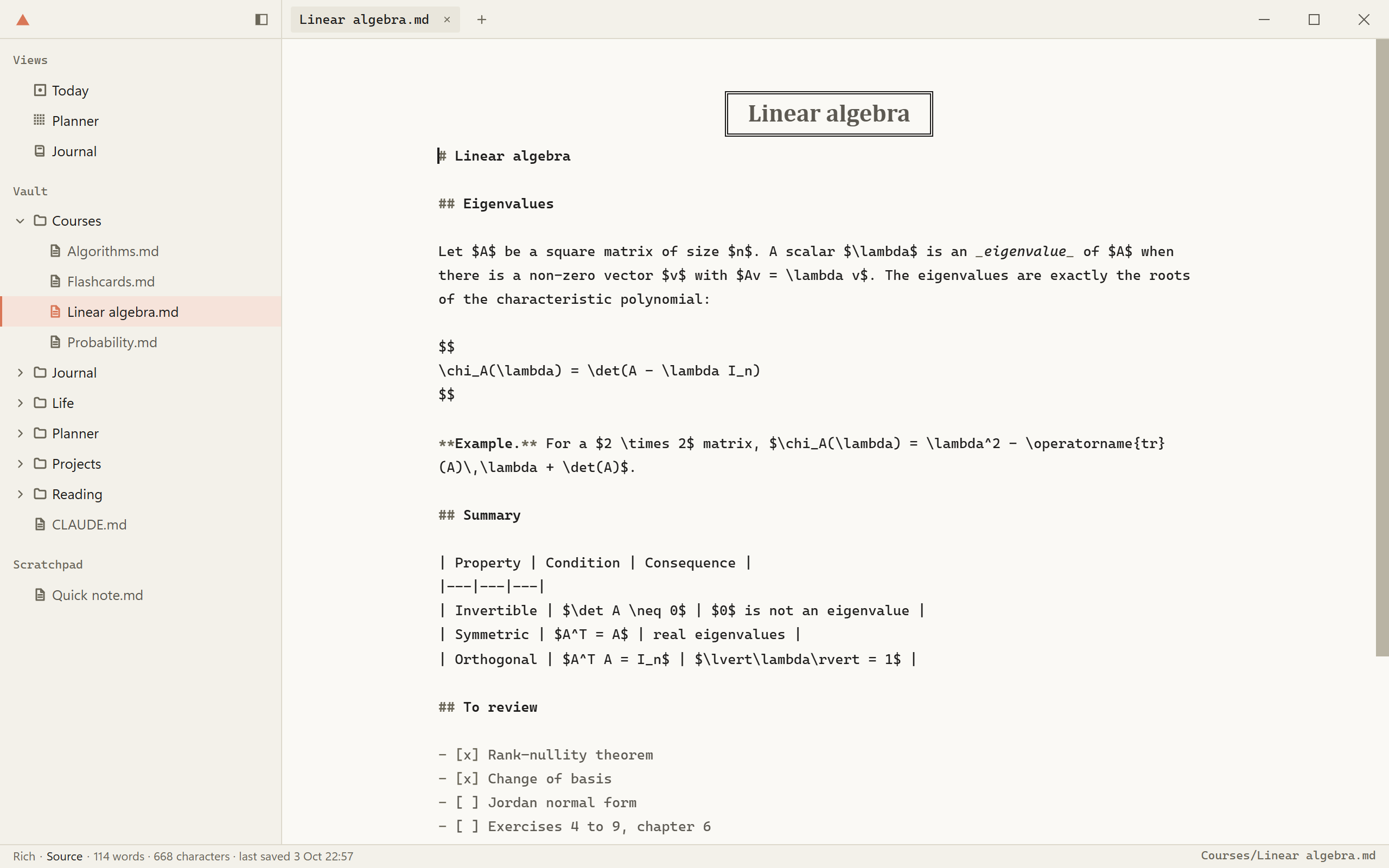
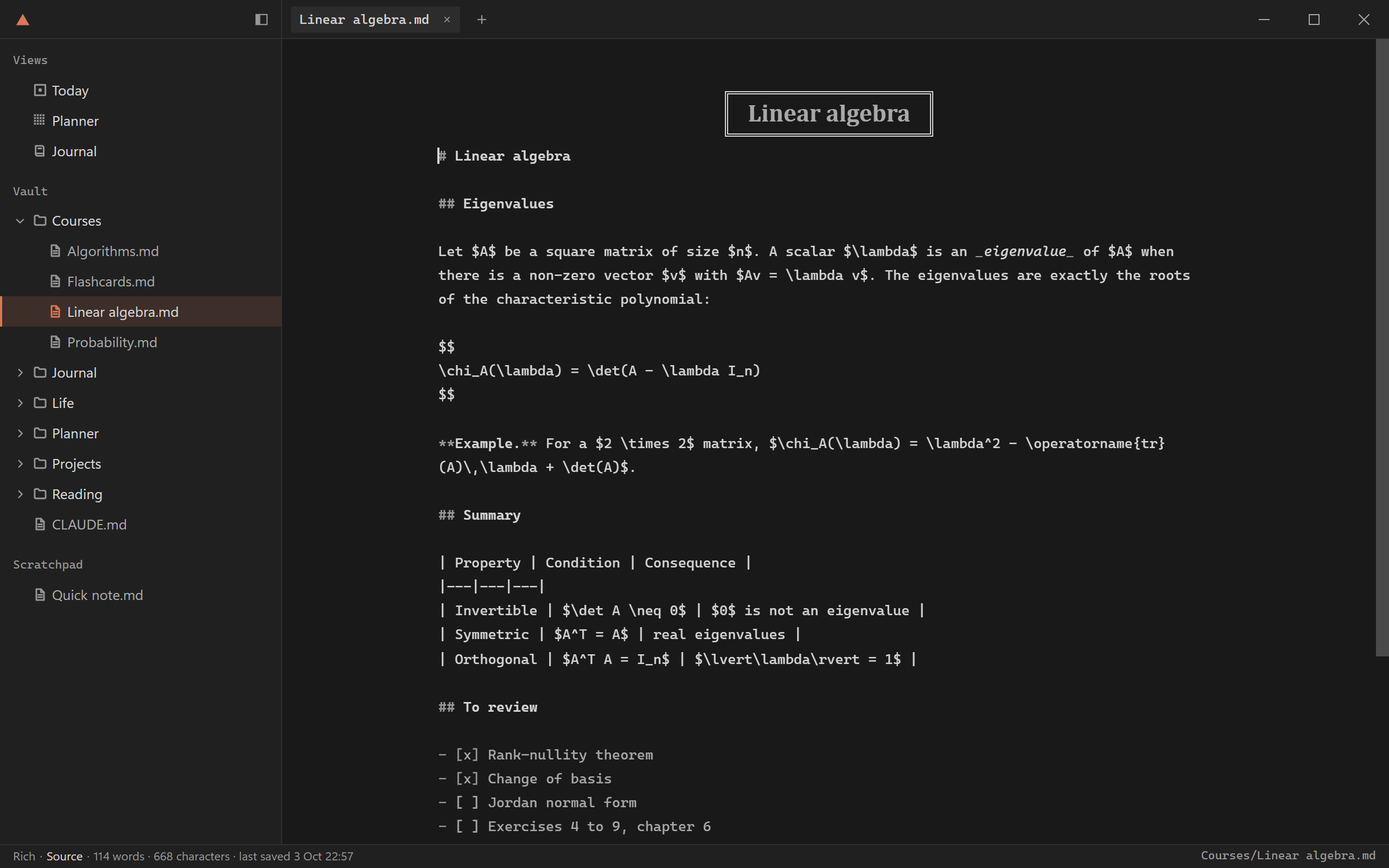
Rich is the page as a document. Source is the raw markdown. There is no live preview. Ose changes only the lines you edit and leaves the rest of the file as it was.
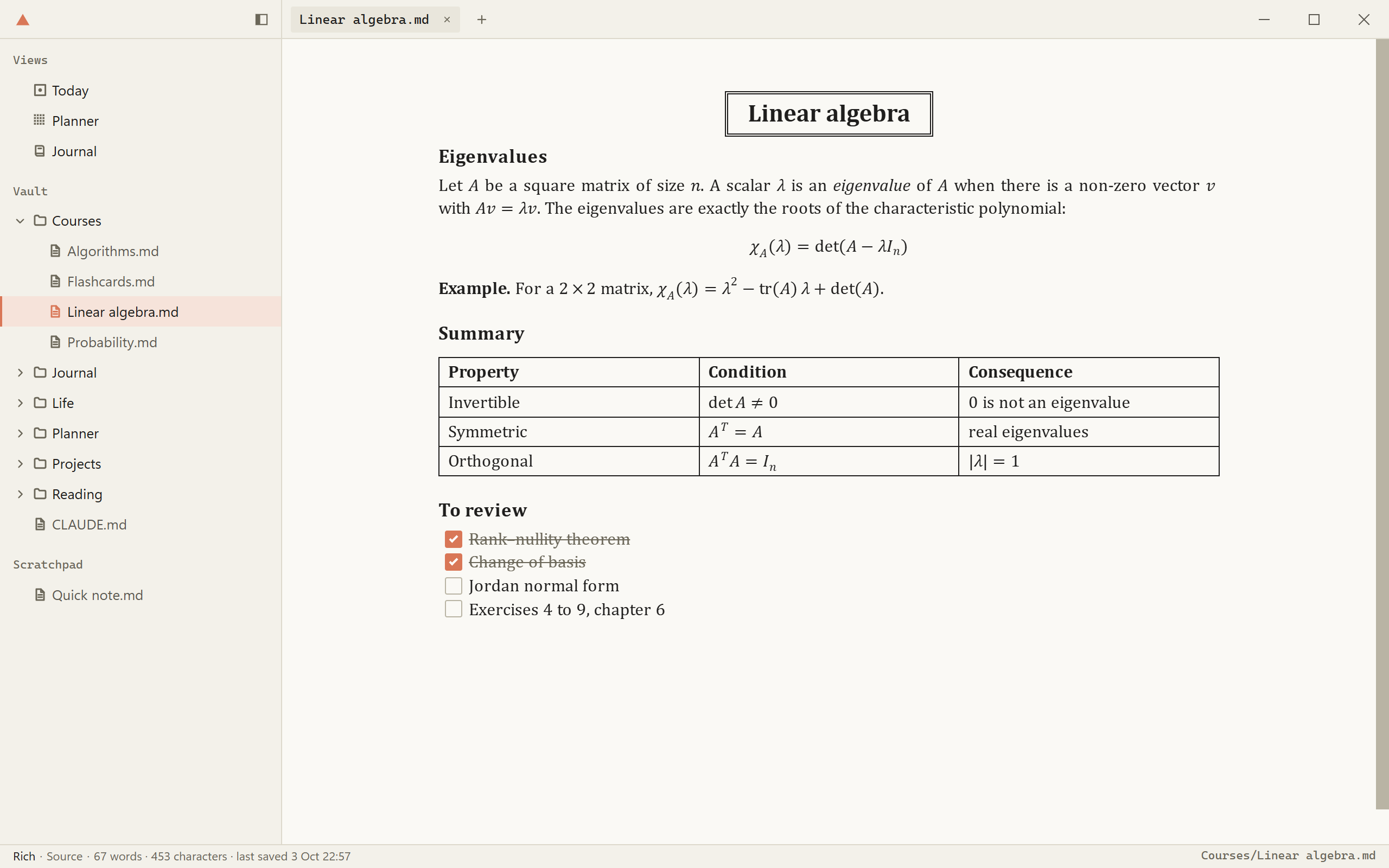
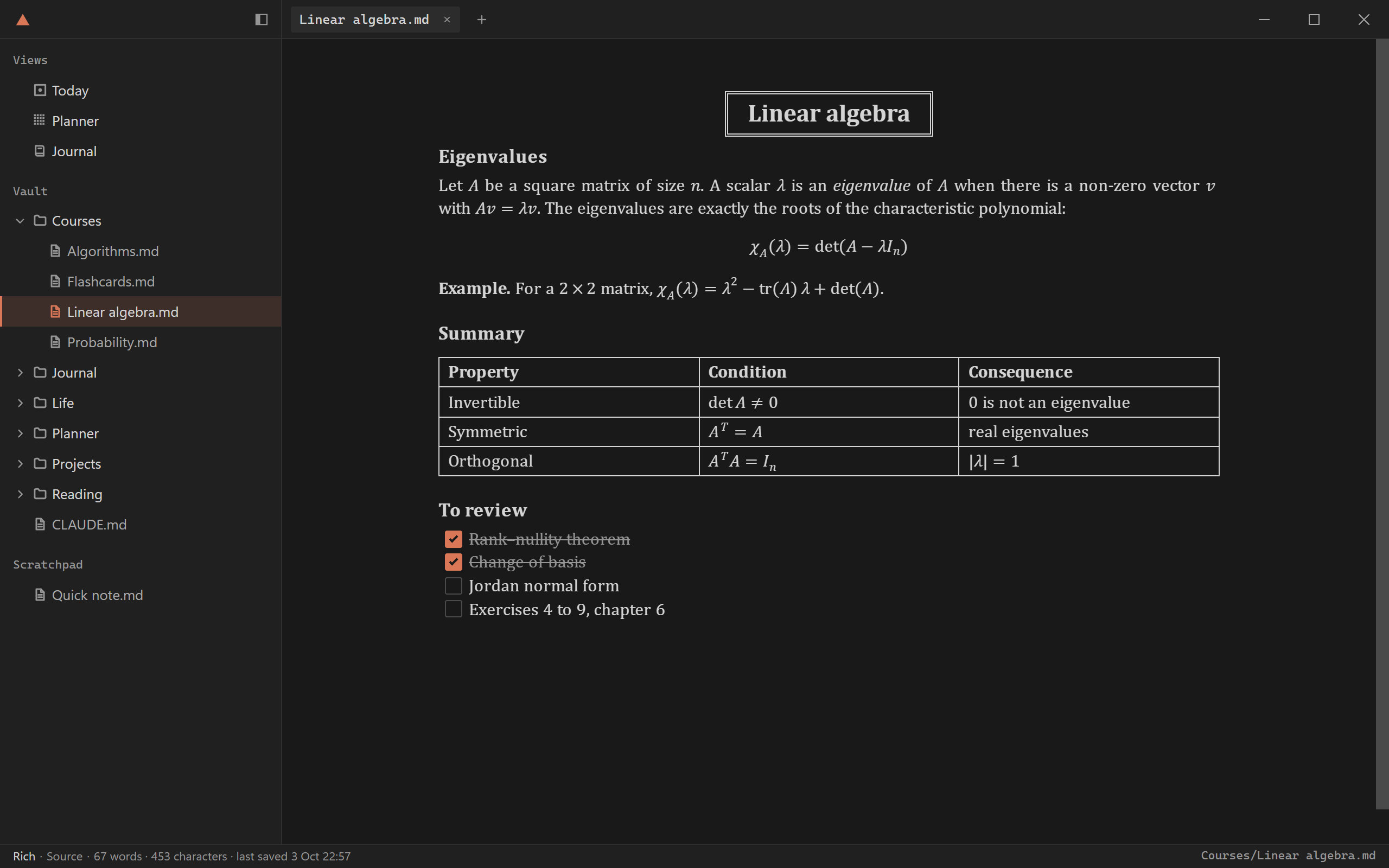
A page of linear algebra notes in Rich: the folder in the sidebar, formulas, a table and a checklist drawn as a document. A page of linear algebra notes in Rich: the folder in the sidebar, formulas, a table and a checklist drawn as a document.
Rich
The same page in Source: the markdown as written, in a code editor. The same page in Source: the markdown as written, in a code editor.
Source

Views

A view draws plain files as an interface.

I built Ose for myself, so it ships with the three views I use: Today, Planner and Journal. You can use them or delete them.
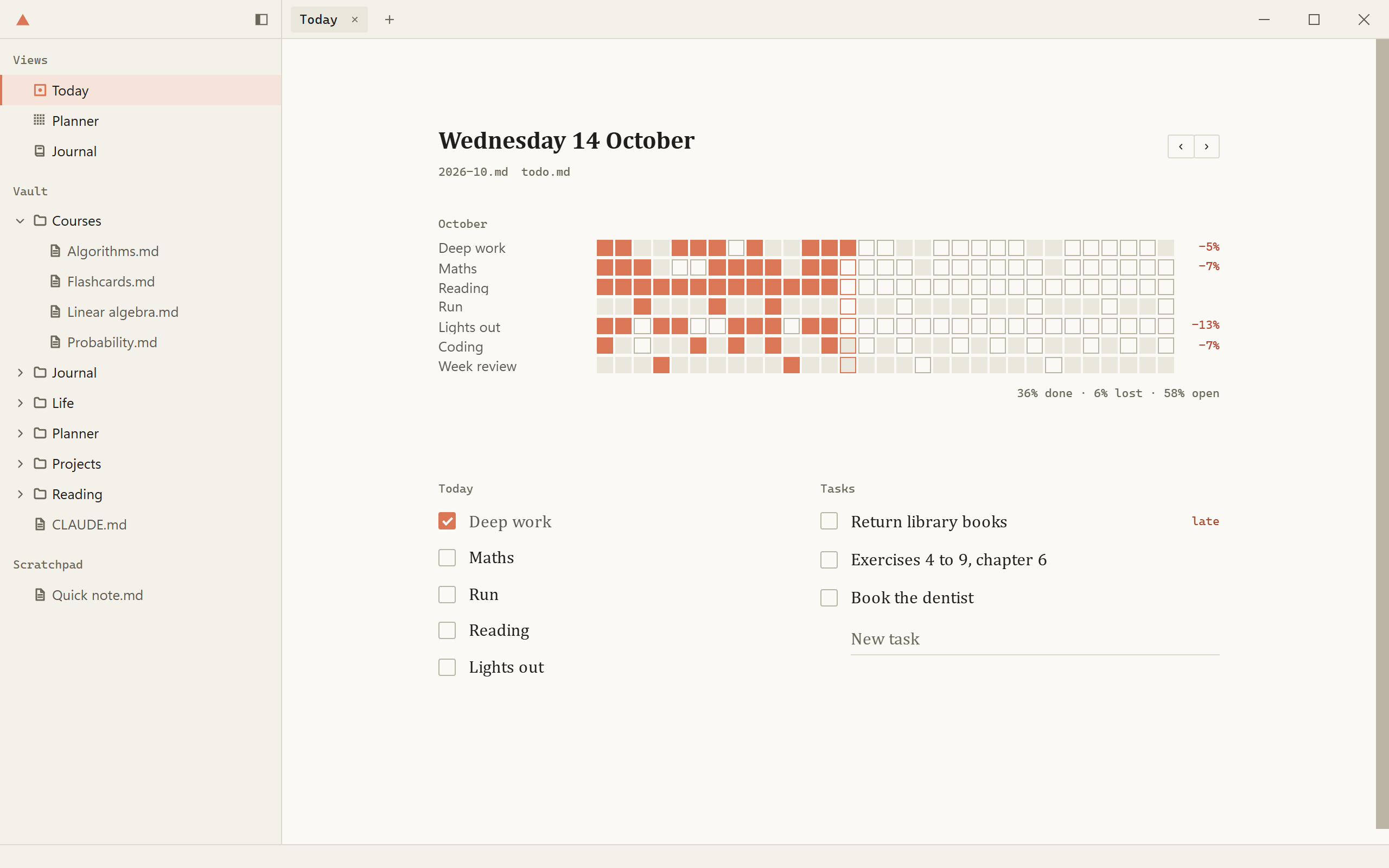
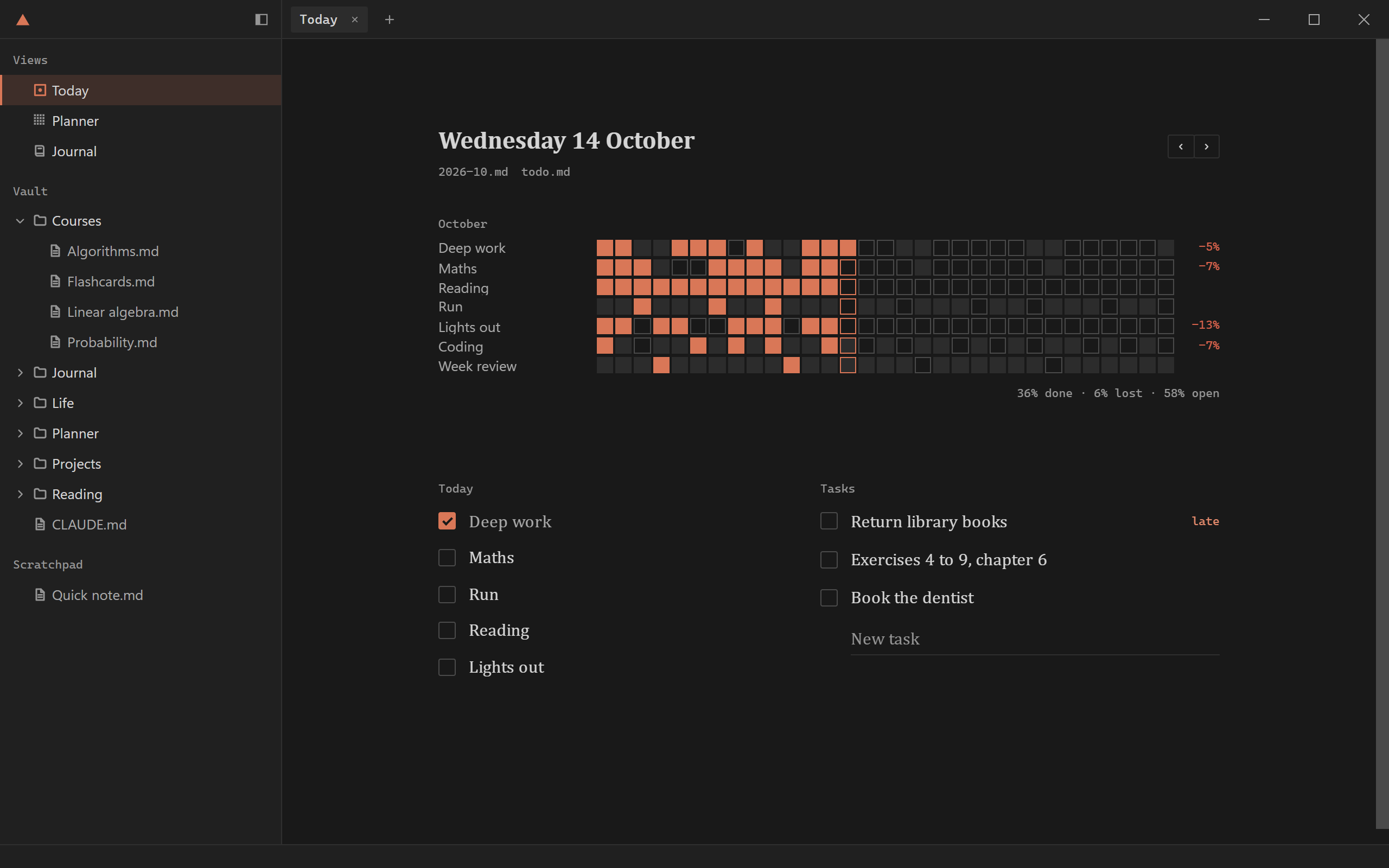
Today: the month as a heatmap, one row per habit, the day's list with one line ticked, and the tasks due. Today: the month as a heatmap, one row per habit, the day's list with one line ticked, and the tasks due.
Today

Your own views

Your own view takes minutes.

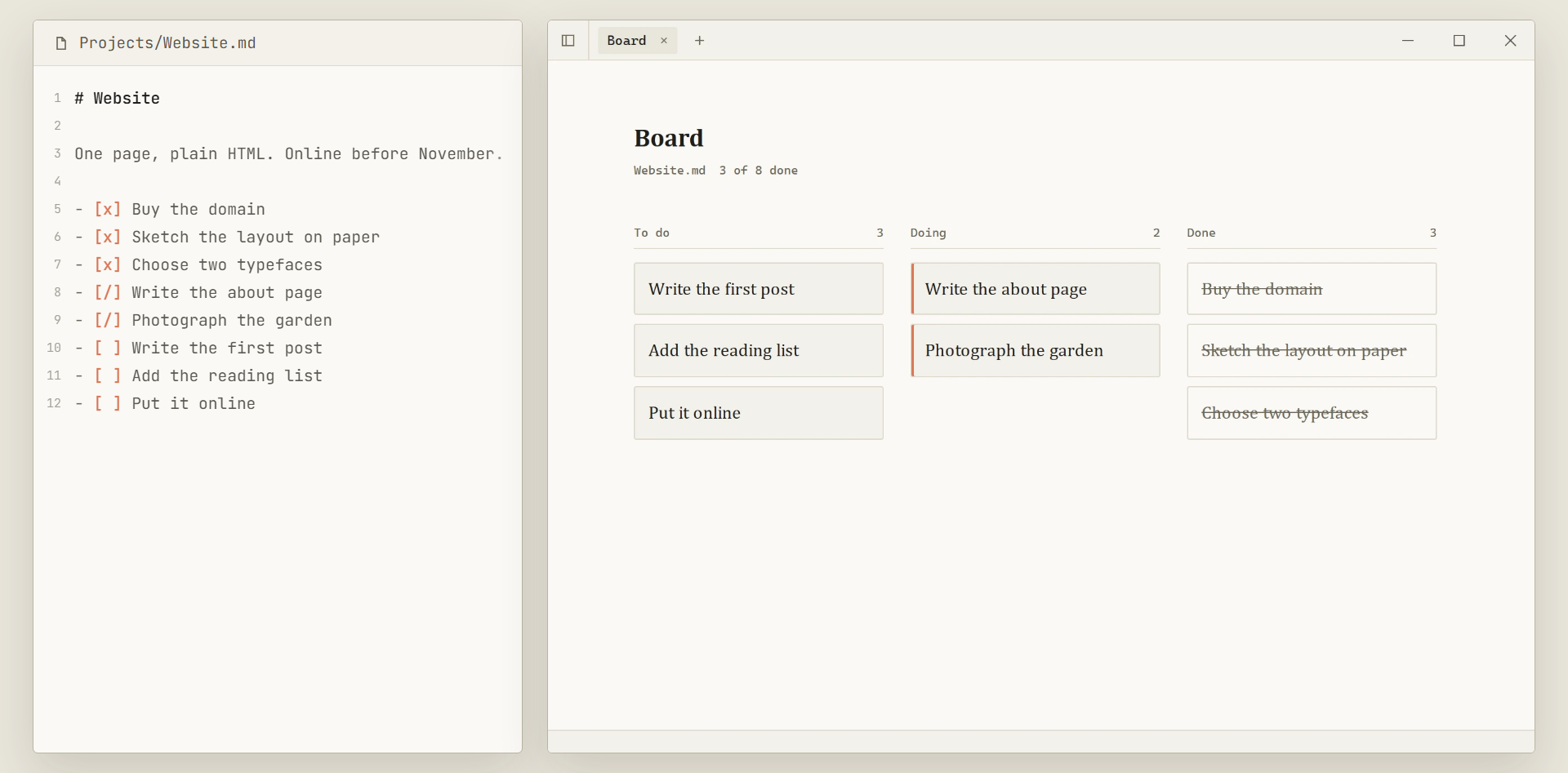
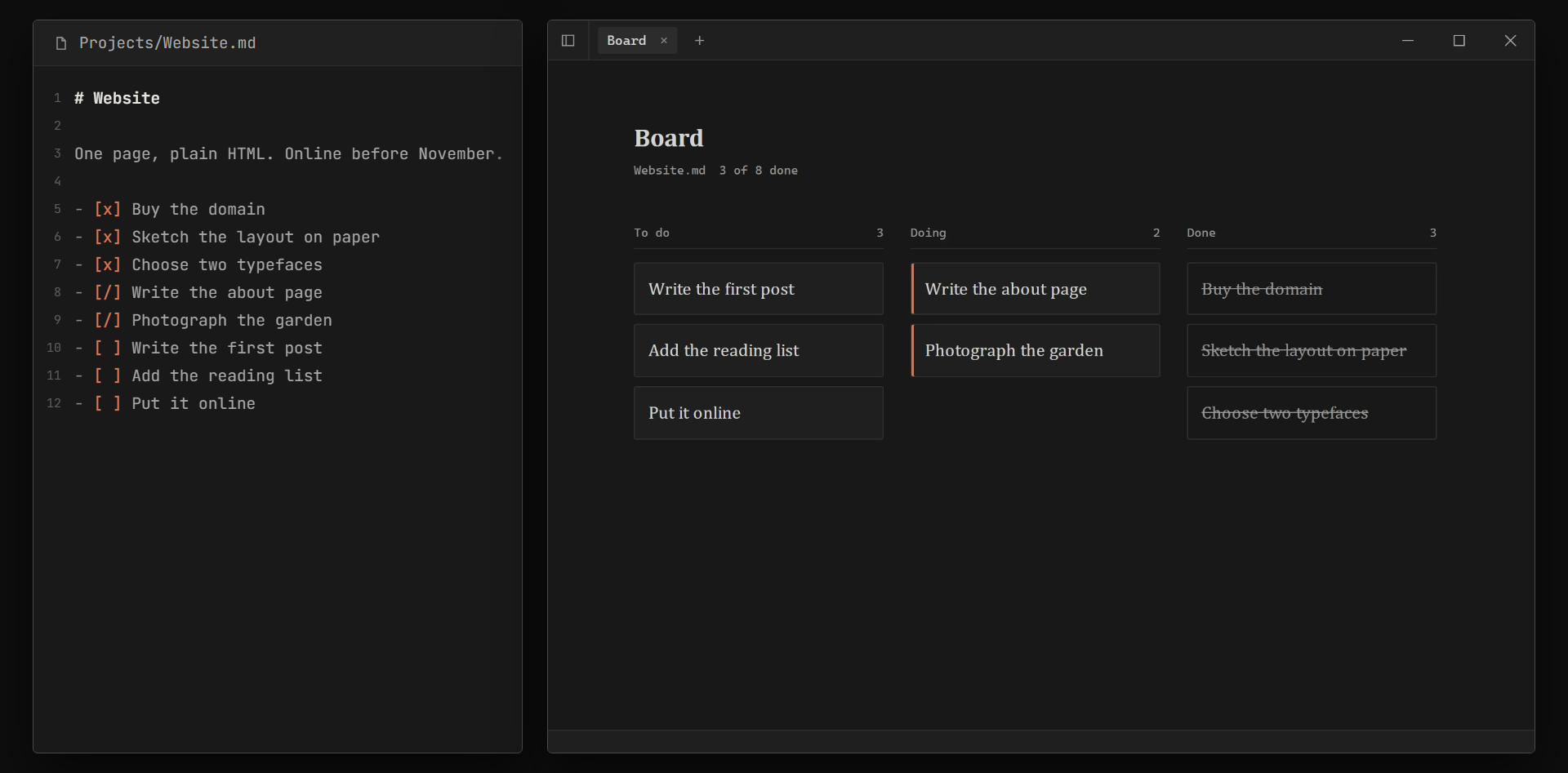
Your AI agent can build a view over your own markdown files. A checklist becomes a board, and a table of books becomes a shelf. How a view is made.
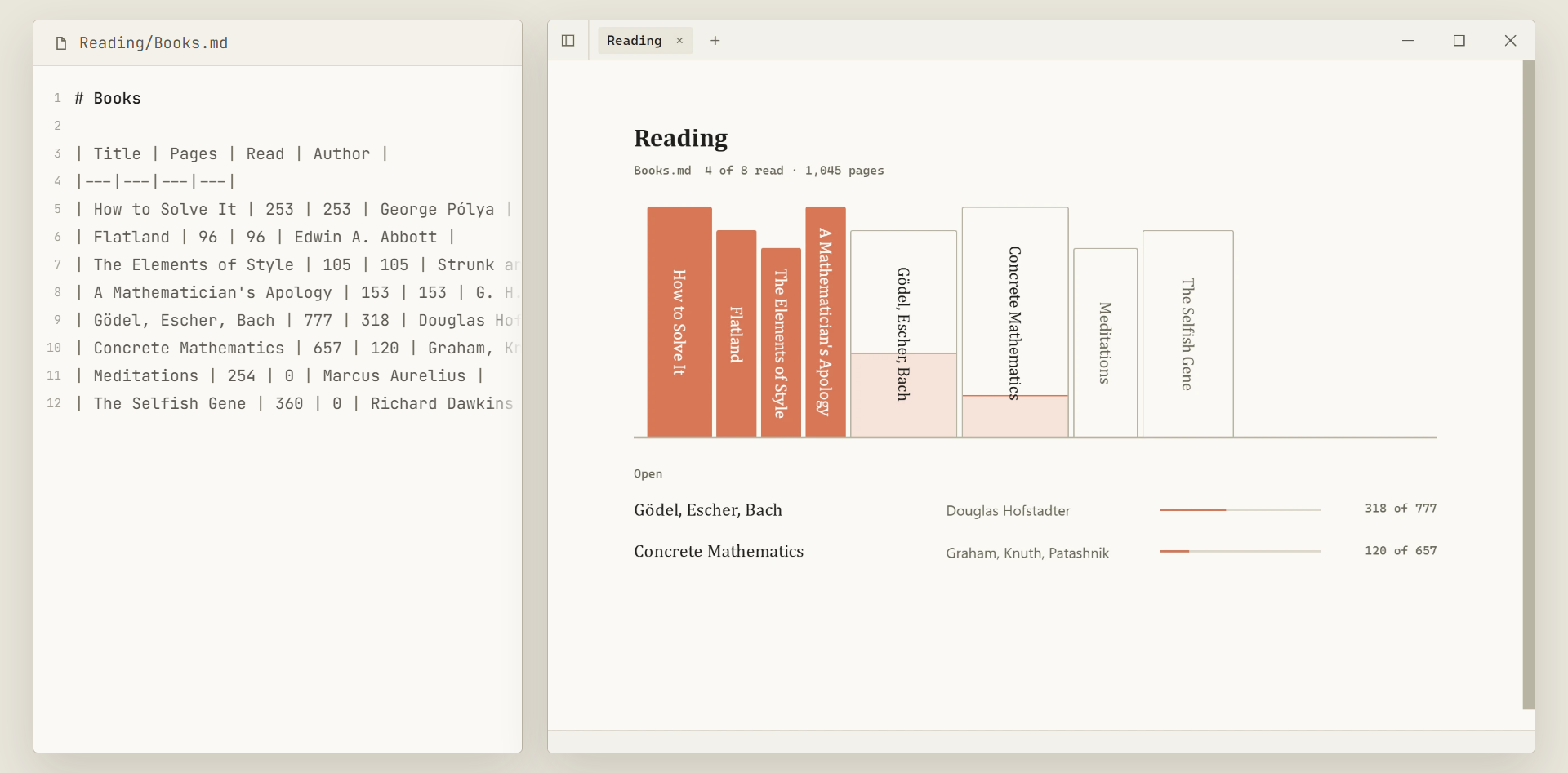
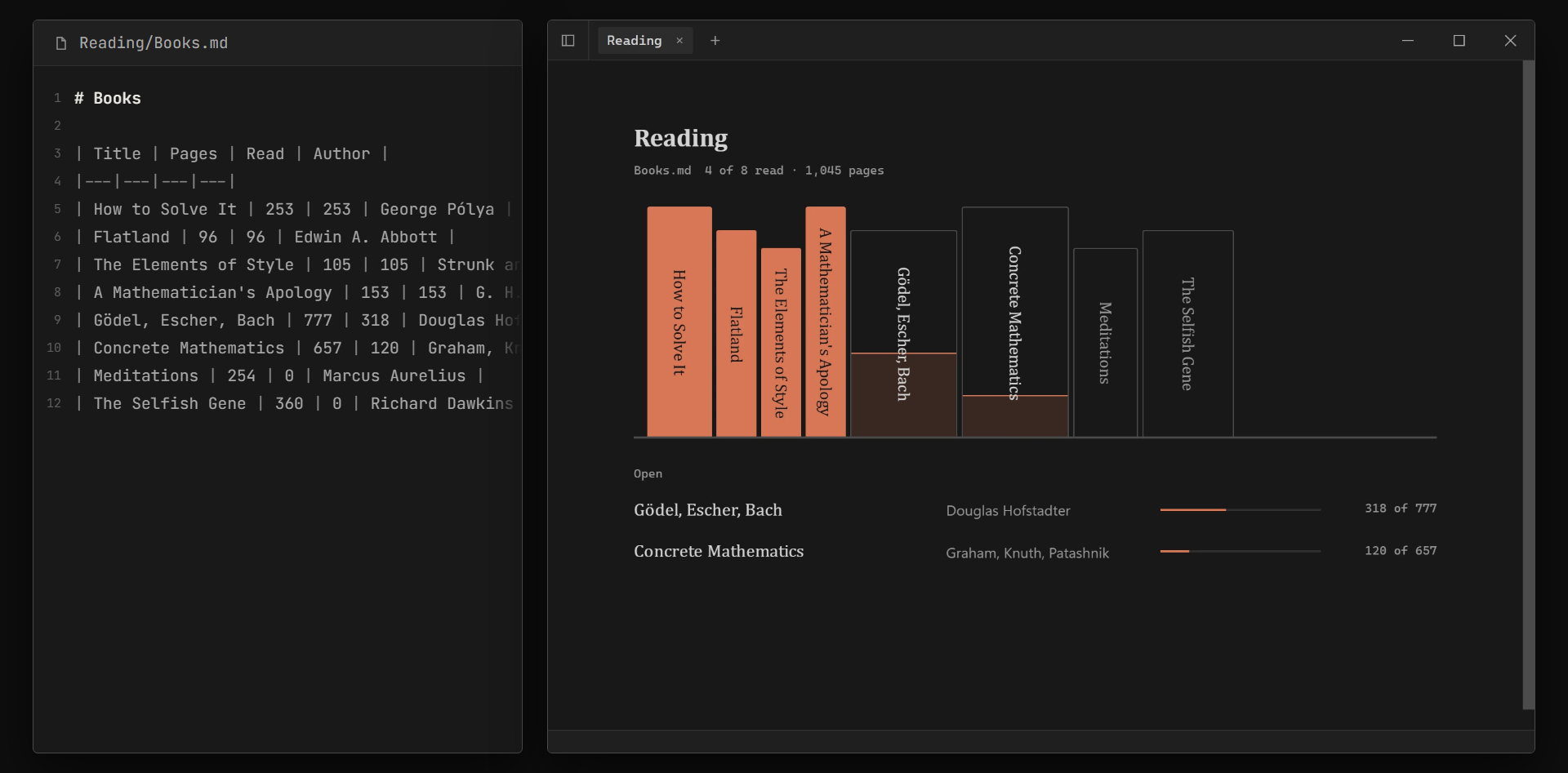
The file Books.md, a markdown table of eight books, beside the view drawn from it: a shelf of spines, four of them read, and the two books that are open. The file Books.md, a markdown table of eight books, beside the view drawn from it: a shelf of spines, four of them read, and the two books that are open.
A table of books as a shelf
The file Website.md, a checklist, beside the view drawn from it: three columns of cards, to do, doing and done. The file Website.md, a checklist, beside the view drawn from it: three columns of cards, to do, doing and done.
A checklist as a board
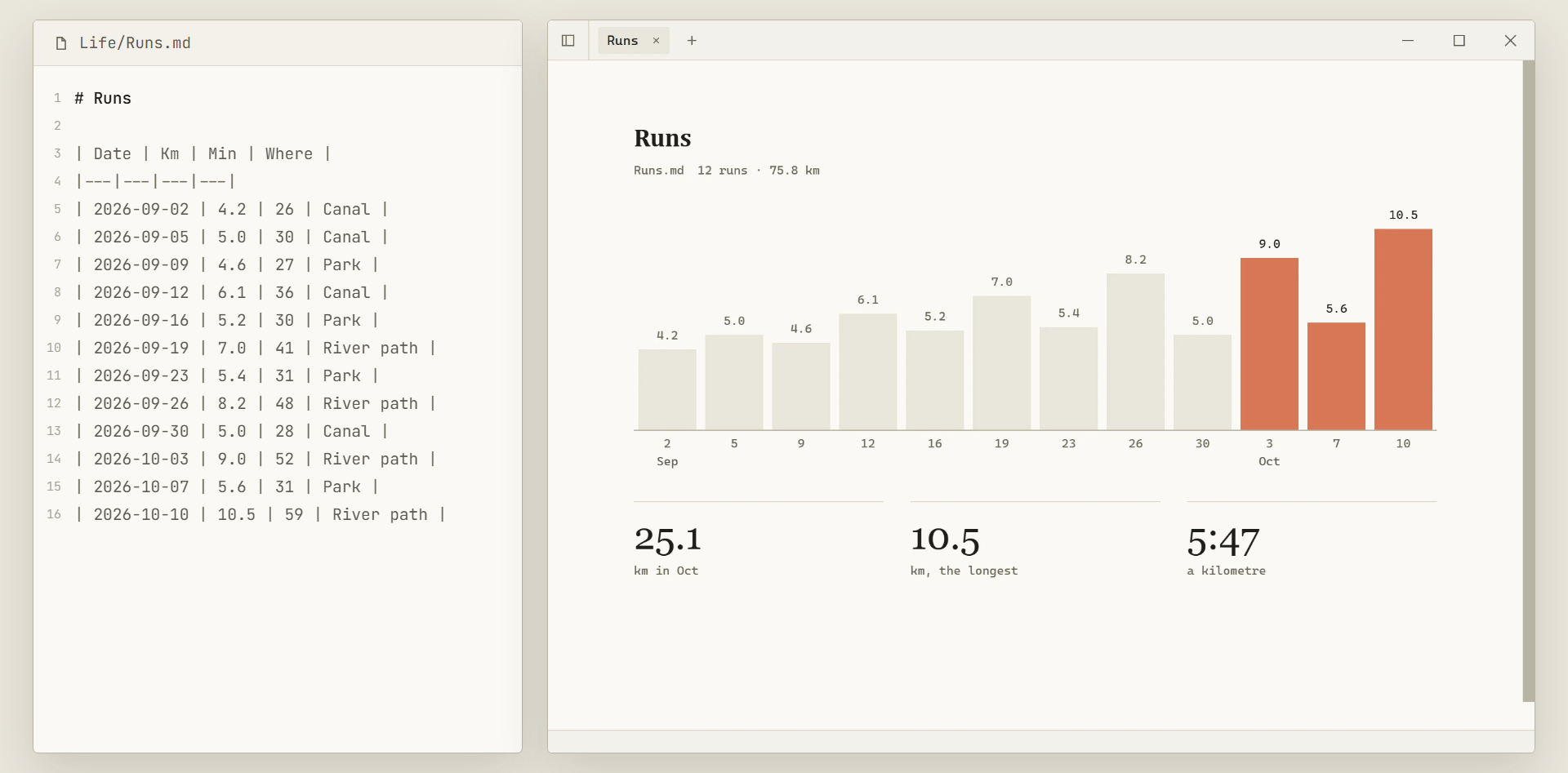
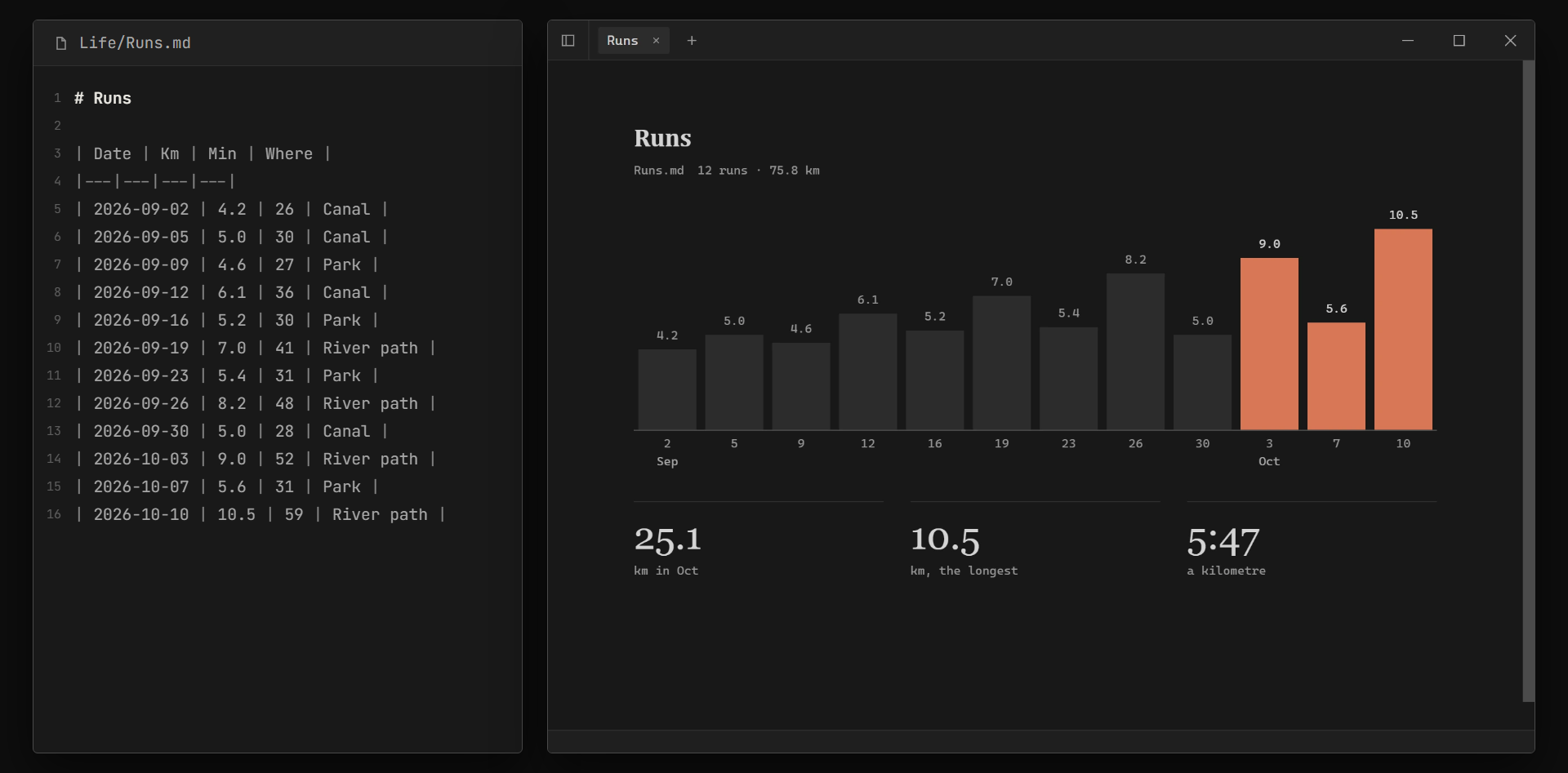
The file Runs.md, a table of runs, beside the view drawn from it: one bar per run and three figures. The file Runs.md, a table of runs, beside the view drawn from it: one bar per run and three figures.
A table of runs as a chart
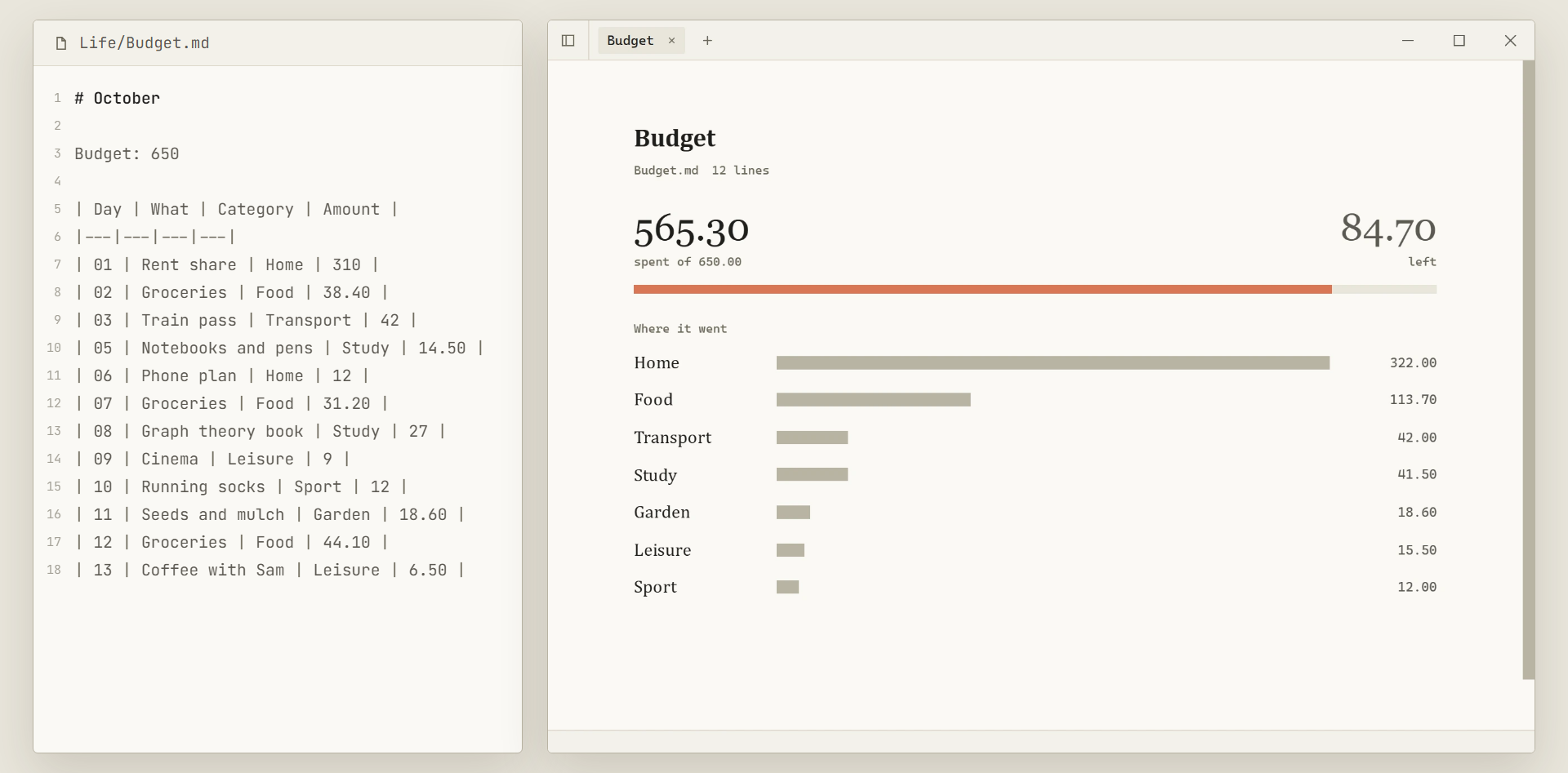
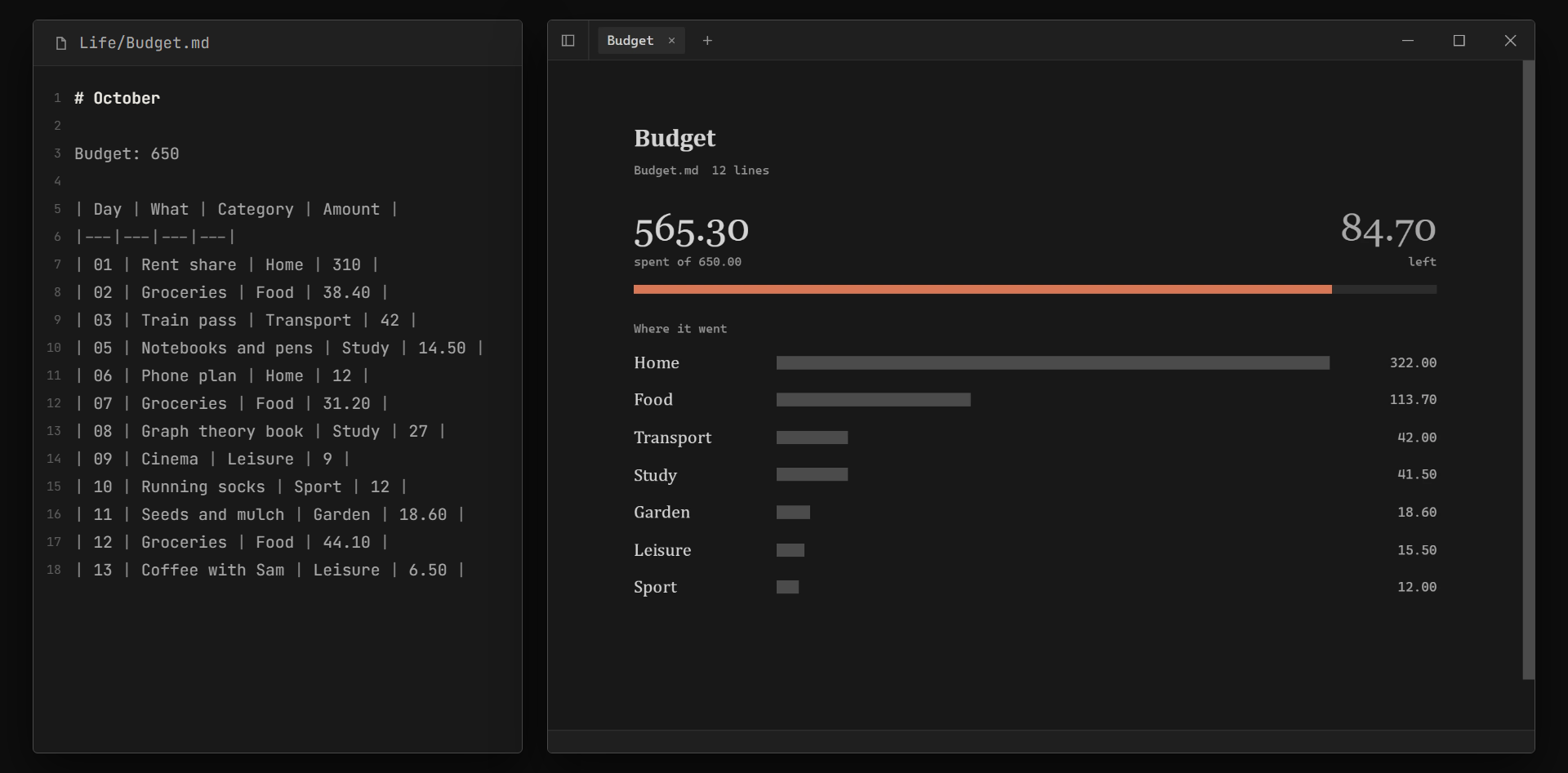
The file Budget.md, a table of expenses, beside the view drawn from it: what is spent, what is left, and a bar per category. The file Budget.md, a table of expenses, beside the view drawn from it: what is spent, what is left, and a bar per category.
A table of expenses as a budget
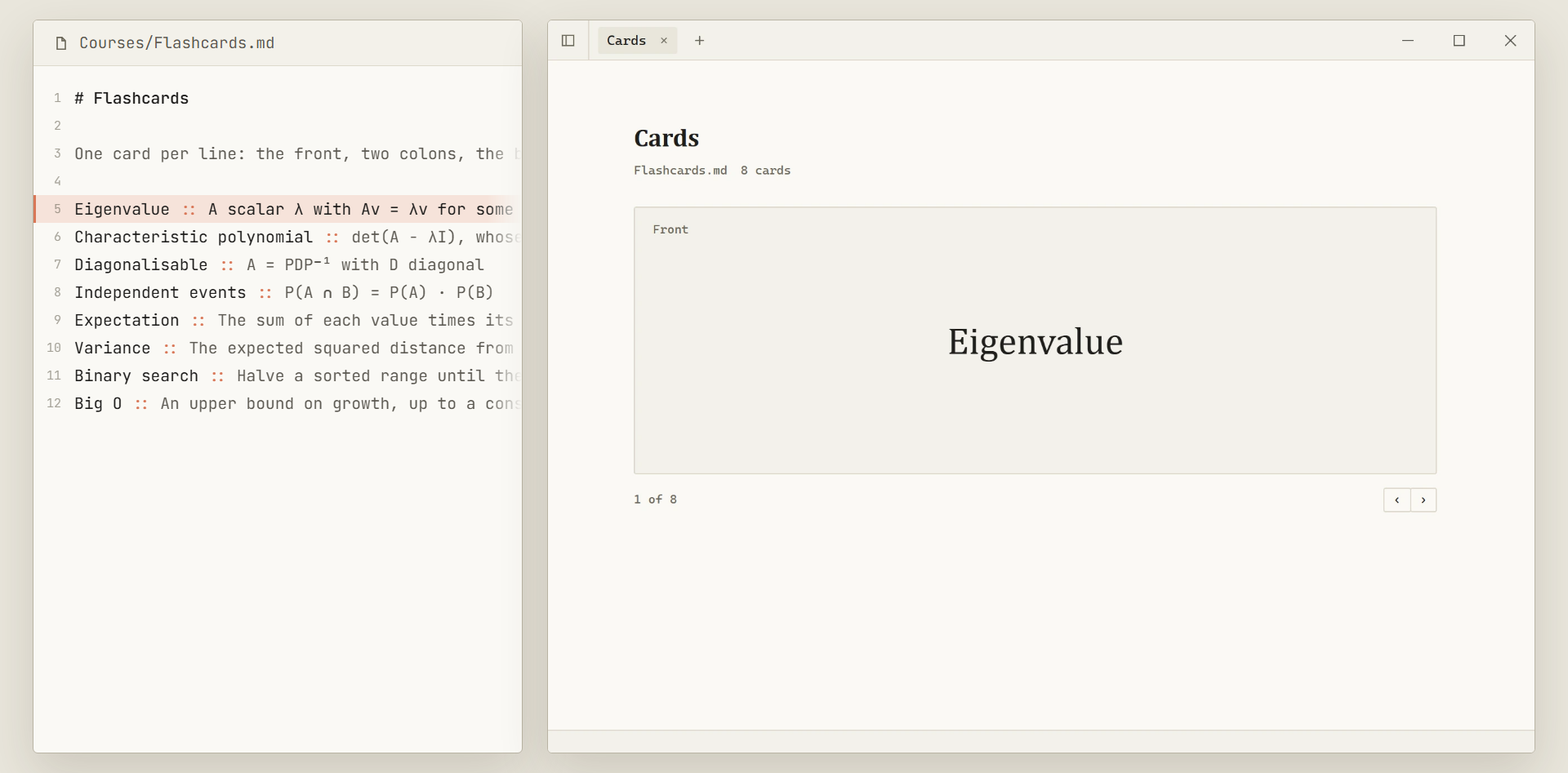
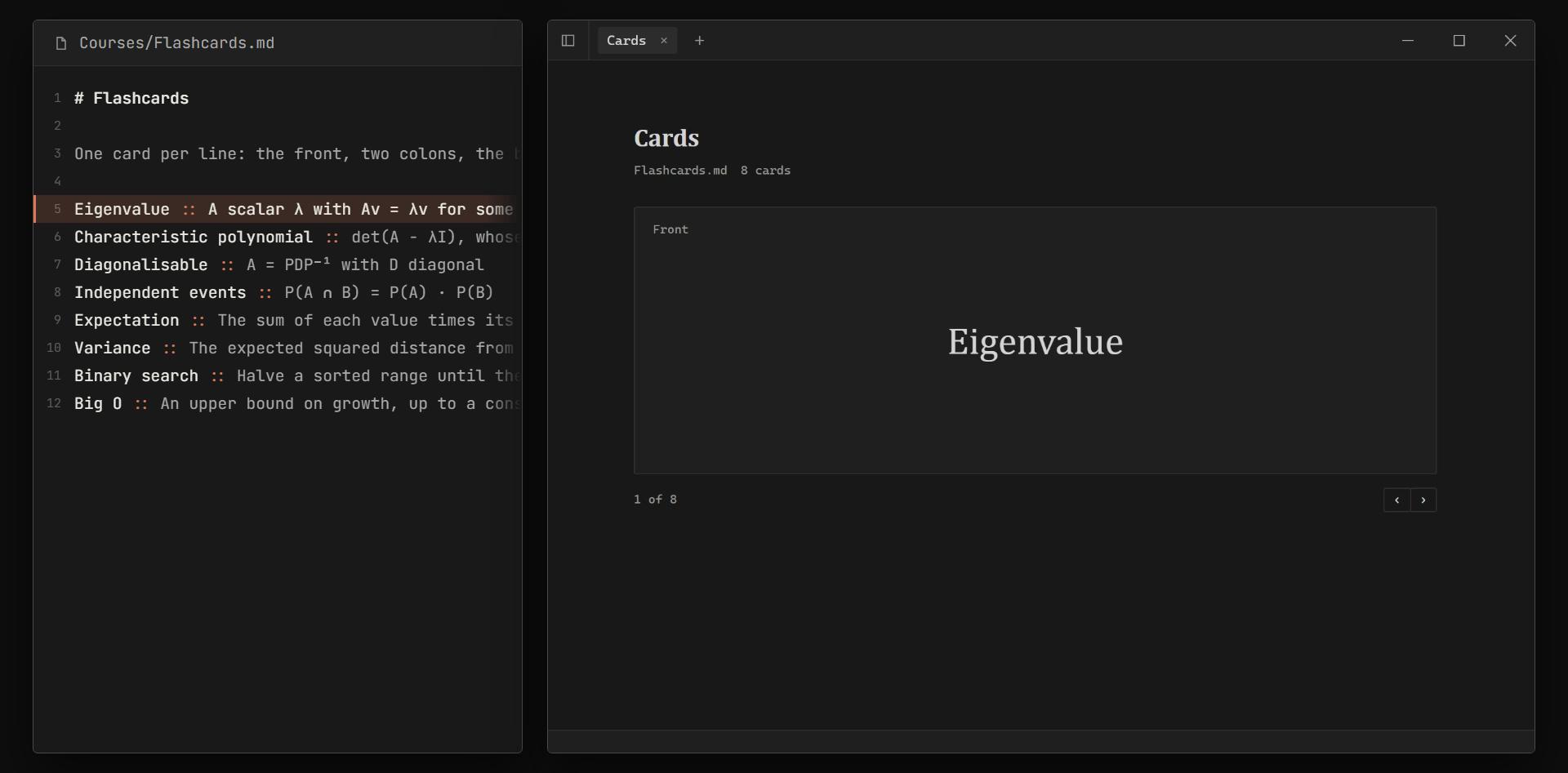
The file Flashcards.md, one card per line, beside the view drawn from it: a flashcard showing its front. The file Flashcards.md, one card per line, beside the view drawn from it: a flashcard showing its front.
Lines of notes as flashcards

These five are samples. They do not ship with Ose.

Reasons

Why use Ose?

Humans work best with graphical interfaces. AI agents work best with text. Ose gives each what it needs: plain markdown files for the agent, and an interface built from those files for you.

Plain files

Most second-brain apps keep your notes in their own database. Ose keeps them as markdown files on your disk, so you can leave at any time.

Private

Ose has no account, no sync and no telemetry. It uses the network only to check for updates.

Yours to change

Ose is open source and lightweight. Custom views need no plugins: you and your agent edit the source code and get the behaviour you want in minutes.

Download Ose.

I do not code-sign the builds, so the first launch asks once: More info › Run anyway on Windows, Privacy & Security › Open Anyway on a Mac. Ose then updates itself.

Download for Windows Download for Mac GitHub

Windows, 64-bit · macOS, Apple silicon